
An Award-Winning Semantic Suite Leveraging Explainable AI
The Data Harmony Suite builds explainable AI to improve your search
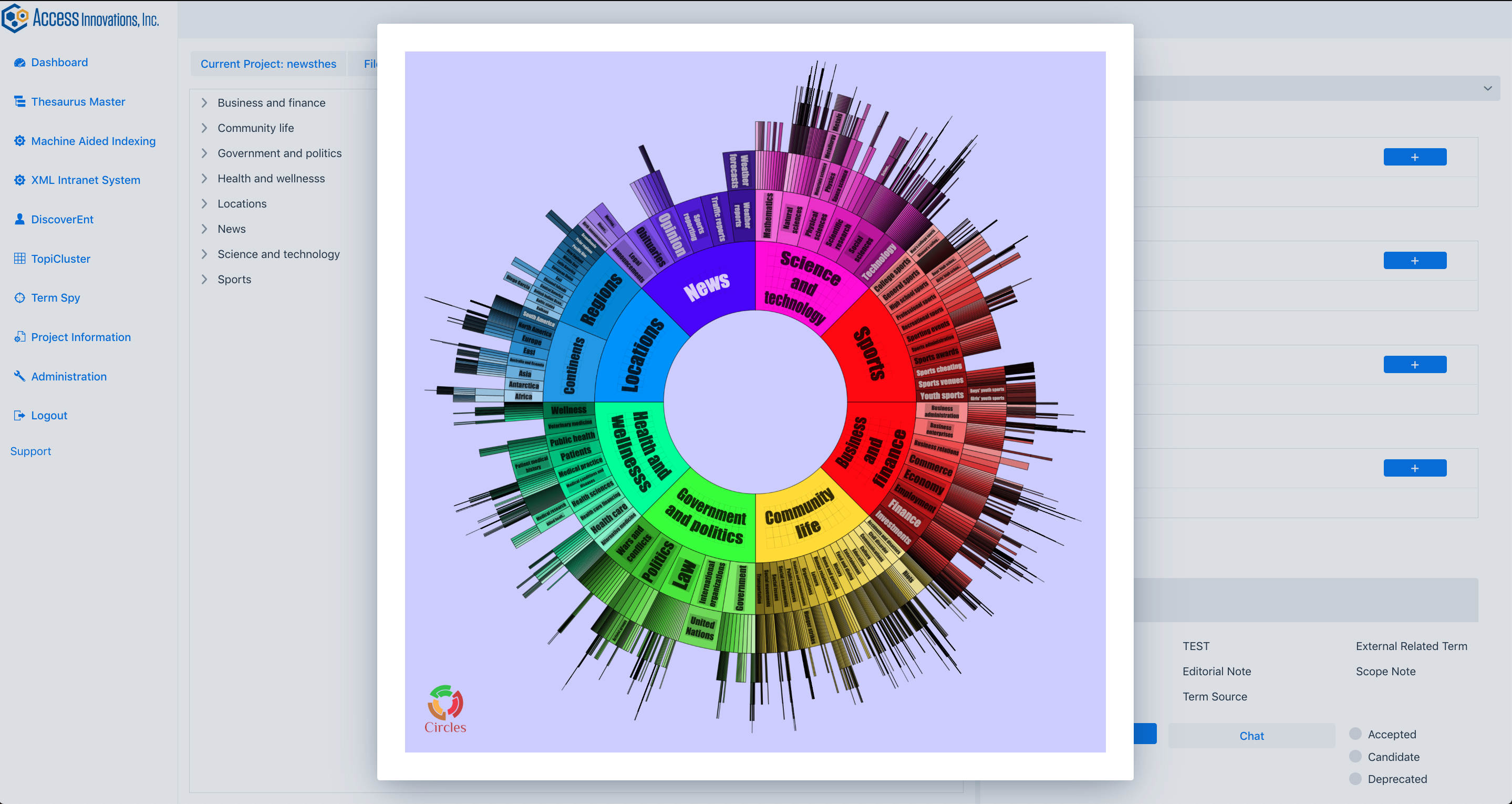
Analyzes text content and identifies concepts and terms for modeling
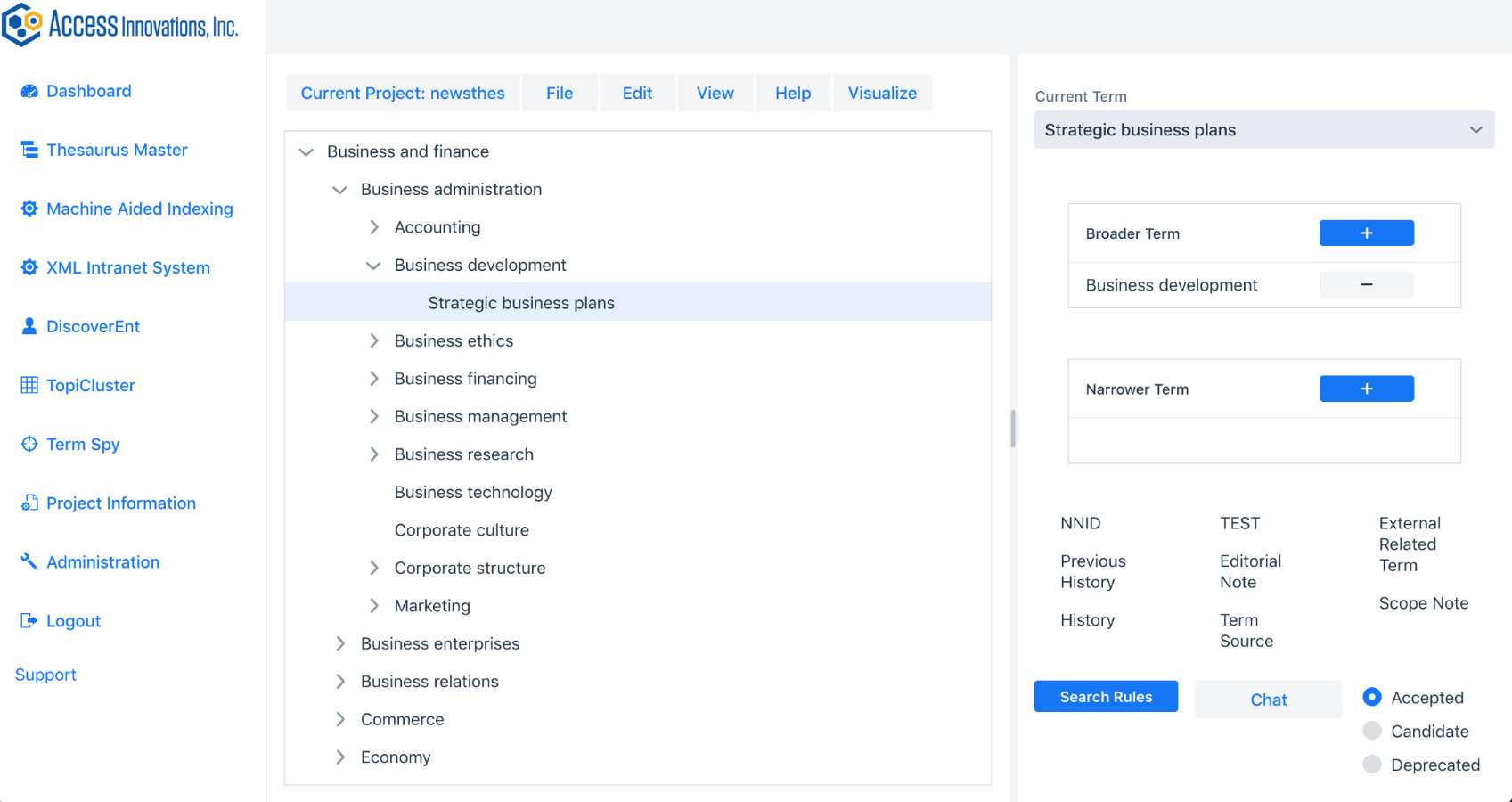
Taxonomy/Thesaurus building and management
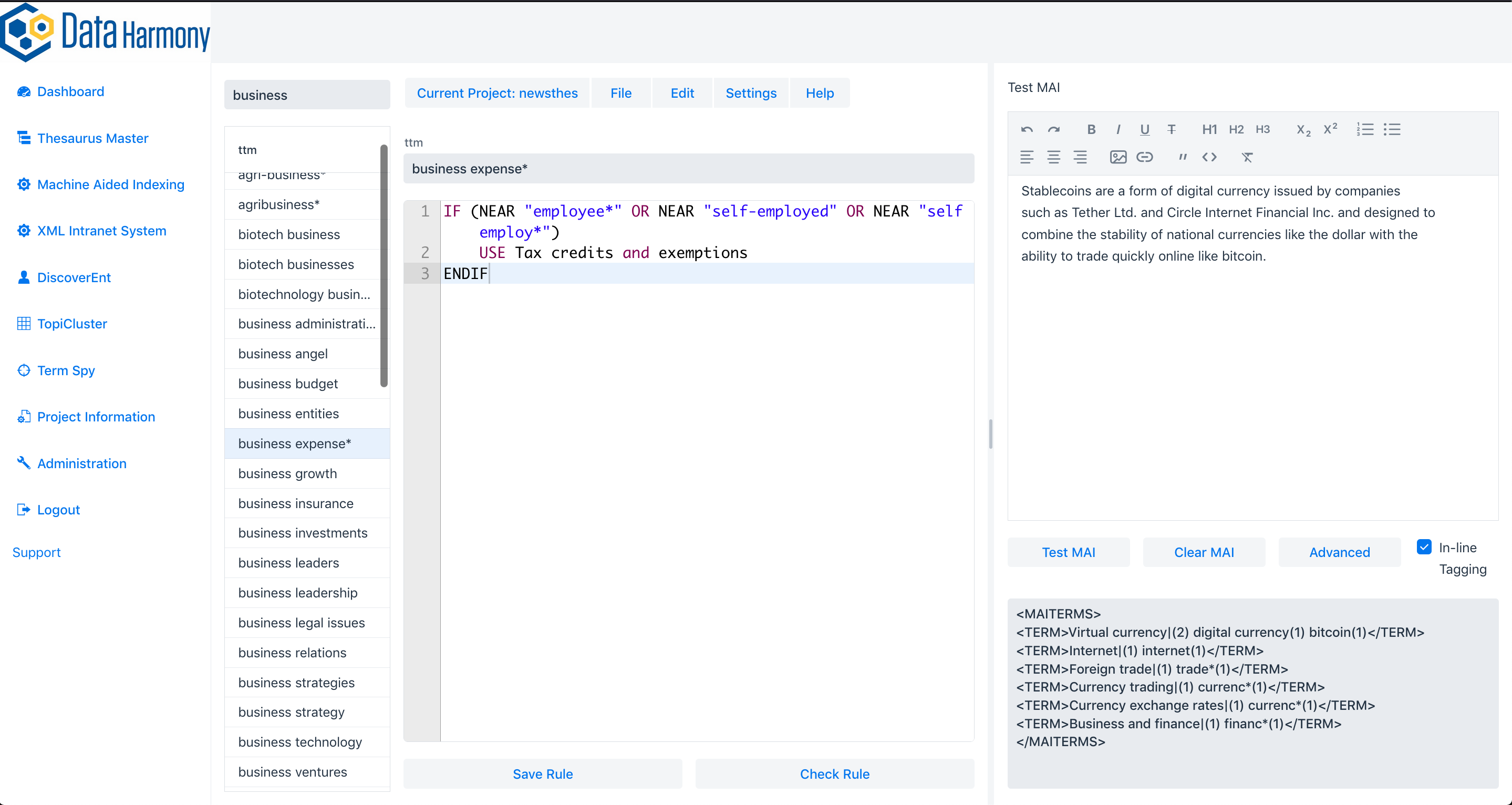
Automated indexing, classification, and semantic metadata enrichment


Content Analysis
Data Harmony offers a range of powerful semantic tools that help you find and classify important concepts in your document collection. Using AI technology, our algorithms identify the most significant concepts and suggest ways to improve your taxonomy or ontology. This makes search faster and more accurate, leading to better results. Whether you’re starting from scratch or improving an existing model, Data Harmony can help you create an effective content analysis solution that meets your needs.

Semantic Modeling
Data Harmony’s suite of tools provides an easy way to create and manage your taxonomy or thesaurus. Our editor is intuitive and customizable, allowing you to quickly build a semantic model to fit your needs. By organizing your documents according to your model, you can improve the discoverability of your content and make it easier for users to find what they’re looking for. You can also export your model in various formats, giving you the flexibility to use it in different applications.

Metadata Enrichment
Metadata helps users find and access your content, and Data Harmony’s tools help you improve your metadata. Our tools automatically identify and extract metadata from your documents, making it easier for users to discover and engage with your content. Our AI algorithms analyze your content and suggest relevant metadata terms from our extensive vocabulary, improving search accuracy up to 90% or more. Whether you manage a research platform or an e-commerce website, our metadata enrichment tools can help you increase engagement and satisfaction among your users.

Client Case Studies

The Weather Channel: Machine Aided Indexing and Semantic Metadata Enrichment

IEEE: Taxonomy/Thesaurus Management and Indexing Vocabulary and Classification

Presbyterian Health Plan: Decision Support System Powered by Medical Thesaurus